Recovery zone
Zone width and target distance in points, drawn on the chart.
Type to search the whole ecosystem: marketplace, terminal, forum, courses, strategies, ebooks, services.
The zone-recovery bot coded live on the channel: a zone around the entry, a target on each side, and a lot multiplied on every crossing. Full source code, free.
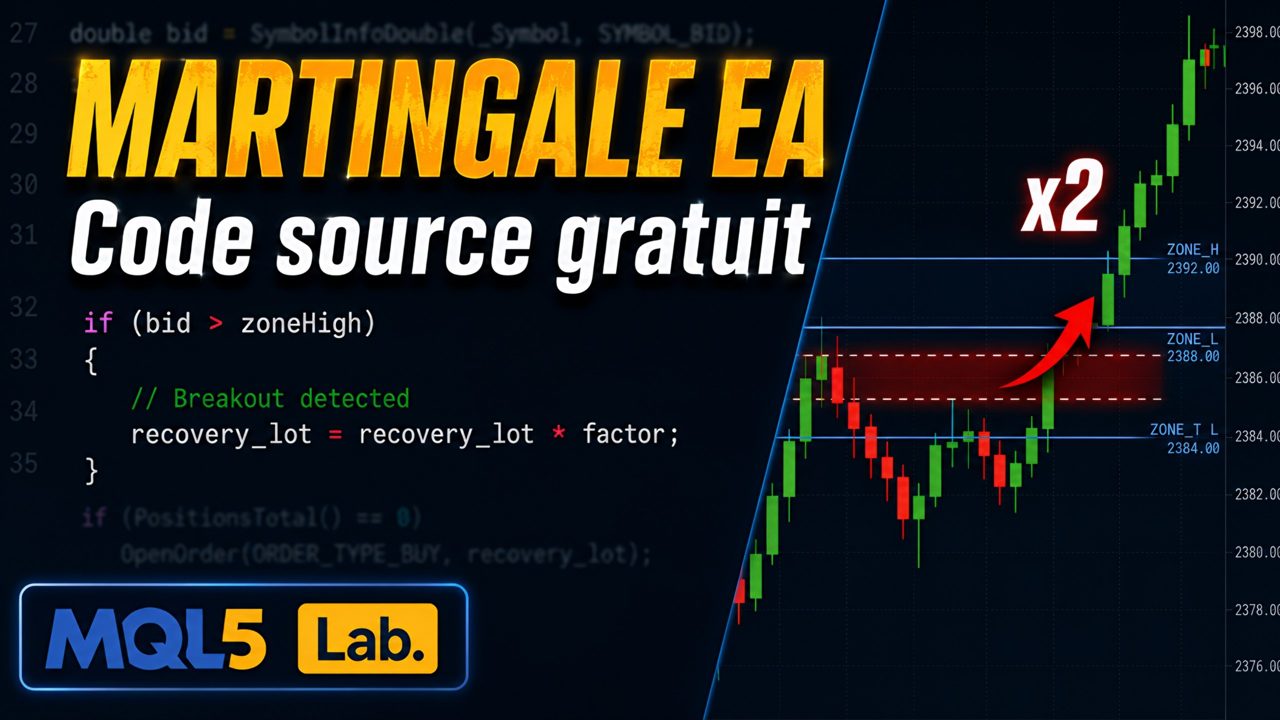
ZoneMartingale EA illustrates “zone recovery” in its most readable form. A first position opens on an RSI signal; around its price, the bot draws a zone (in points) and two targets, above and below. Each time the price leaves the zone in the other direction, an opposite position opens with a lot multiplied by the chosen factor. As soon as the price reaches one of the two targets, everything is closed and the cycle restarts.
It is an educational tool first and foremost: under 200 lines, four parameters, and the full source code to understand — and modify — every decision. The accompanying video builds it from scratch.
Like any martingale, it grows the lots very quickly when the market ranges inside the zone. Use on demo first, and never let it run without a lot cap or supervision.
Zone width and target distance in points, drawn on the chart.
Factor applied to each new opposite position (2.0 by default).
All positions are closed as soon as a target is reached, then the cycle starts again.
Commented .mq5 file, free to read, modify and recompile.

Every setting is commented in the MetaTrader parameters window. Here are the main groups.
In MetaTrader 5: File → Open Data Folder, then MQL5 / Experts.
Copy the file .ex5 into this folder.
In the Navigator (Ctrl+N), right-click Expert Advisors → Refresh.
Set the parameters, confirm. Allow algorithmic trading (Algo Trading button) so the bot can place orders.
Free, no card needed. You need an SYVARN account linked to the Telegram channel: that is what lets me notify you of updates. Download the file, drop it into MetaTrader 5, that's it.
Honest feedback, positive or not, from people who actually installed the tool. I do not edit reviews; I only remove spam and links.
Loading…
A grid with an inverted trailing stop, server-side safety net, daily circuit breaker and ATR adaptation. Optimised for any asset, HUD included.
A basket of orders that closes on target and flips direction. Virtual basket SL, real safety net on the broker side, HUD. Sold with its full source code.
Two stop orders on either side of the price, in fixed points or ATR multiples, with trailing and daily, weekly and monthly targets. Sold with its full source code.